

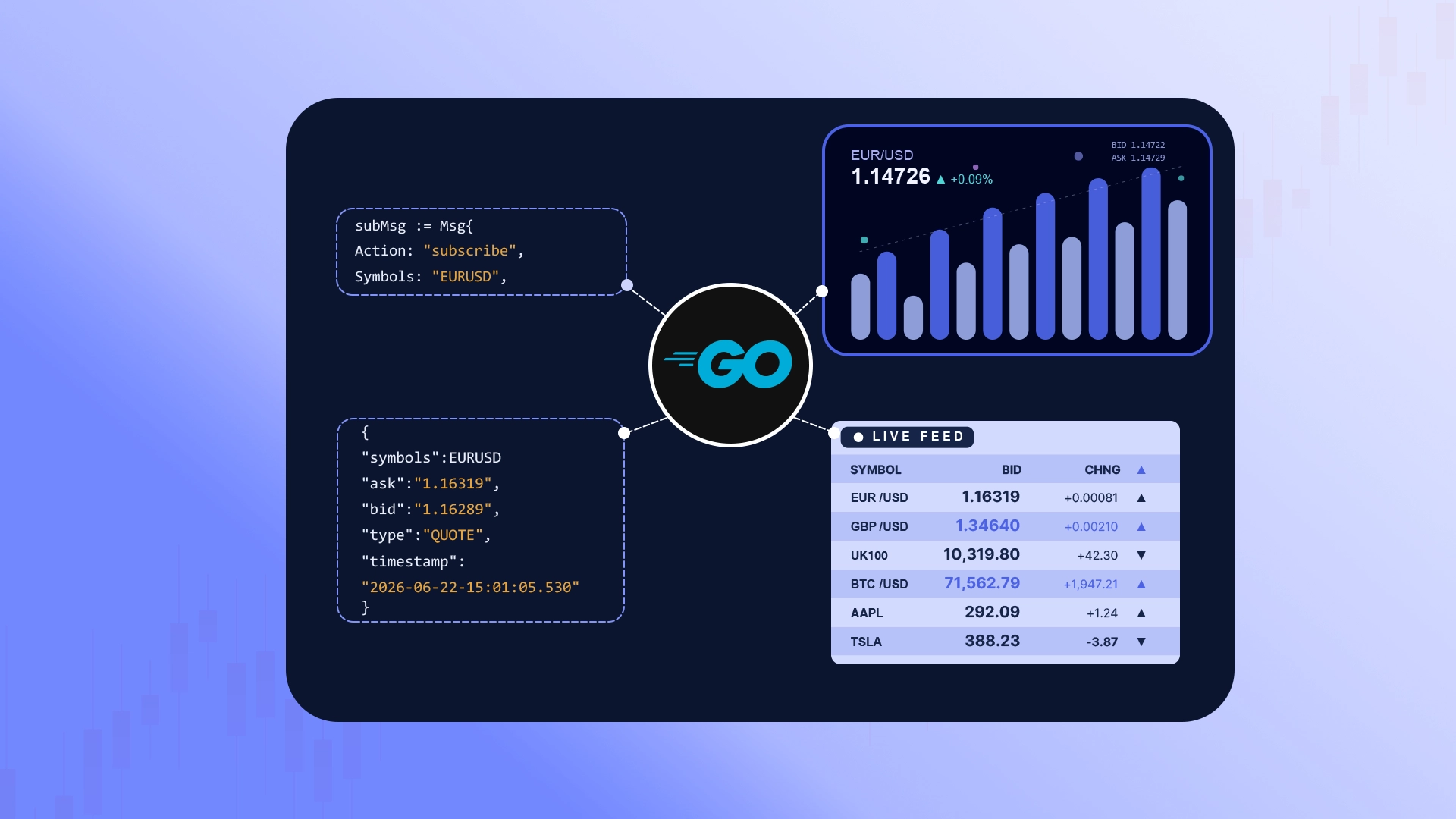
If you've used gh, aws, or the Stripe CLI, you already know how this tool works: credentials in a config file with environment-variable overrides, a doctor command, --output json for machines and tables for humans, clean exit codes for scripts. A dedicated financial data API CLI applies those same conventions to your market feeds — bringing live FX, metals, crypto, and CFD prices directly to your terminal, with no code to write.
This guide covers the jobs developers and DevOps engineers actually reach for a command-line tool to do when building a financial API integration: checking a live price, inspecting raw API payloads, debugging financial WebSockets, pulling historical candles, and automating API health checks end to end.
Setup
Install — download a binary from the releases page, or build it directly with Go 1.24+:
go install github.com/tradermade/go-cli@latest
Set your key — signup at tradermade.com/signup is a short form with email verification, no sales call required. Then:
tradermade config set-key --rest YOUR_REST_KEY --ws YOUR_WS_KEY
If your plan issues separate REST and WebSocket keys, save each with its flag (--rest / --ws). Environment variables override the saved config — TRADERMADE_API_KEY for both, or TRADERMADE_REST_API_KEY / TRADERMADE_WS_API_KEY individually — which is the pattern you want in CI. tradermade config show displays the active keys, masked, with where each came from.
Verify everything at once:
tradermade doctor
rest-key  ok    abcd****wxyz (from config file)
rest      ok    live quote ok
ws-key    ok    abcd****wxyz (from config file)
stream    ok    login ok - plan allows 10 symbols, CFDs enabled
config    ok    /home/you/.config/tradermade/config.json
One command tells you whether your keys work, whether the WebSocket logs in, and what your plan actually allows. It exits 0 only when every check passes — more on why that matters at the end.
Use Case 1: Check a Price Without Leaving the Terminal
The market data equivalent of gh pr status — the quick glance between tasks:
tradermade live EURUSD GBPUSD
SYMBOL   BID       ASK       MID
EURUSD   1.16270   1.16273   1.16271
GBPUSD   1.34712   1.34716   1.34714

as of 2026-07-15 14:58:35 UTC
Symbols are case-insensitive, and forex, metals, crypto, and enabled CFDs all go through the same command. Currency conversion at the live rate is just as direct:
tradermade convert 1000 USD INR
1000 USD = 96000 INR
rate  1 USD = 96 INR
as of 2026-07-15 14:58:35 UTC
Use Case 2: See Exactly What the API Returns — Before You Write Code
When building a financial API integration, seeing the exact JSON payload removes the guesswork. This is where the CLI earns a permanent place in an integration workflow. With --output json, the REST commands print the response exactly as the server sent it — the CLI doesn't reparse, reformat, or reorder it
tradermade live EURUSD --output json
{
  "endpoint": "live",
  "quotes": [
    {
      "ask": 1.16273,
      "base_currency": "EUR",
      "bid": 1.16270,
      "mid": 1.16271,
      "quote_currency": "USD"
    }
  ],
  "requested_time": "Wed, 15 Jul 2026 14:58:35 GMT",
  "timestamp": 1784127515
}
What you see is byte-for-byte what your application's HTTP client will receive. When you're writing a parser or a response model, that guarantee removes a whole class of "worked in the docs, broke in my code" surprises. And it pipes straight into jq:
tradermade live EURUSD --output json | jq '.quotes[0].mid'
1.16271
The same flag works on historical and timeseries, so you can inspect every REST payload shape your integration will touch — each command's --help even documents which endpoint it calls and how the query parameters are constructed, so the CLI doubles as living API documentation.
Use Case 3: Debug a WebSocket Session
Streaming financial data API integrations fail in ways REST ones don't: login rejected, subscription silently ignored, unexpected frame shapes. Normally you'd add logging to your client and guess — but watching raw frames helps you debug financial WebSockets instantly.
tradermade stream EURUSD
connected - plan allows 5000 simultaneous symbols
subscribed: EURUSD:QUOTE
TIME                   SYMBOL              BID            ASK    BID-VOL    ASK-VOL
20260715-14:59:12.209  EURUSD          1.16270        1.16273    1000000    1500000 ↑
20260715-14:59:12.238  EURUSD          1.16268        1.16272    1000000     750000 ↓
That confirms your key and subscription work. But the debugging power is in raw mode:
tradermade stream EURUSD --output raw
{"cfds":true,"fmt":"JSON","key":"YOUR_WS_KEY","symbol_limit":5000,"trader_ladder":true,"type":"login_ok"}
connected - plan allows 5000 simultaneous symbols
{"accepted":["EURUSD:QUOTE"],"denied":[],"denied_reasons":{},"invalid":[],"type":"sub_ack"}
subscribed: EURUSD:QUOTE
{"a":"1.162730000","av":"1500000","b":"1.162700000","bv":"1000000","s":"EURUSD","t":"QUOTE","ts":"20260715-14:59:12.209"}
{"a":"1.162720000","av":"750000","b":"1.162680000","bv":"1000000","s":"EURUSD","t":"QUOTE","ts":"20260715-14:59:12.238"}
--output raw prints every frame as received — including the greeting and control frames (login acknowledgement, subscription confirms) that normal output hides. If your own WebSocket client can't get past login or never receives ticks, comparing its traffic against a raw session shows you exactly which step diverges. The stream --help text documents the full protocol construction: the login message, the key placement, how symbols are normalized to SYMBOL:QUOTE.
Two flags worth knowing while testing: --send-last delivers the cached last tick immediately on subscribe (no staring at a quiet market wondering if something's broken), and --ladder adds market depth on trader-ladder plans. The client reconnects and resubscribes automatically if the connection drops; Ctrl+C stops it.
Use Case 4: Pull Historical Data for a Quick Look or a Fixture
One day's OHLC — --date takes YYYY-MM-DD, today, or yesterday (the default):
tradermade historical EURUSD GBPUSD --date yesterday
SYMBOL  OPEN     HIGH     LOW      CLOSE
EURUSD  1.16112  1.16340  1.15980  1.16271
GBPUSD  1.34520  1.34810  1.34410  1.34714

daily candle for 2026-07-14
A range of candles with timeseries — --last for relative ranges, --start/--end for explicit ones, --interval daily|hourly|minute with --period as a multiplier:
tradermade timeseries EURUSD --last 7d
tradermade timeseries GBPUSD --last 12h --interval hourly
tradermade timeseries EURUSD --start 2026-07-13-09:00 --end 2026-07-13-17:00 --interval minute --period 15
DATE        OPEN     HIGH     LOW      CLOSE
2026-07-09  1.16040  1.16210  1.15910  1.16120
2026-07-10  1.16120  1.16330  1.16005  1.16188
...
2026-07-15  1.16112  1.16340  1.15980  1.16271

EURUSD daily candles, 7 rows
The CLI validates ranges locally before calling the API — each request is capped at one year of daily, one month of hourly, or two days of minute candles, and you get an immediate, readable message instead of a failed request.
When the destination is a file rather than your eyes, --save writes CSV directly:
tradermade timeseries EURUSD --last 30d --save eurusd-month.csv
tradermade stream EURUSD --save ticks.csv        # tick capture; appends across restarts
tradermade stream EURUSD --output json > ticks.ndjson
saved 22 rows to /home/you/eurusd-month.csv
saving CSV to /home/you/ticks.csv
A minute of captured ticks or a month of historical candles makes a realistic test fixture for your parsers and pipelines — real data, real timestamps, before your application code exists.
Use Case 5: Answer "Is It Me or the API?"
Your integration throws an error at 4:55pm. Before reading your own code, reproduce the request from the CLI:
tradermade live EURUSD
tradermade timeseries EURUSD --last 2d --interval minute
SYMBOL   BID       ASK       MID
EURUSD   1.16270   1.16273   1.16271

as of 2026-07-15 14:58:35 UTC
If the CLI succeeds, the bug is on your side. If it fails, the error is a readable one-liner — bad key, endpoint not in your plan, market closed, range too large — rather than a bare status code. For a second opinion on price rather than connectivity, the full-screen dashboard has a built-in cross-check:
tradermade board add EURUSD GBPUSD XAUUSD
tradermade board
tradermade board

 SYMBOL                BID            ASK       SPREAD     DAY%      LAST
 EURUSD            1.16270        1.16273      0.00003    +0.14%    2s ago
 GBPUSD            1.34712        1.34716      0.00004    -0.06%    1s ago
 XAUUSD         2412.5500      2412.9500      0.40000    +0.33%    3s ago

 live  |  12↑ 7↓  |  431 ticks  |  sort: list (s)   |  q quit
Inside the board, pressing c fetches a REST snapshot and shows each symbol's REST mid next to its streaming price, with the deviation — one keystroke to confirm that stream and REST agree.
Use Case 6: Script It — Health Checks and Exit Codes
Everything above composes into scripts because the CLI honors the Unix contract: data on stdout, status messages on stderr, exit 0 on success and non-zero on failure. A deploy pipeline can gate on connectivity in one line:
tradermade doctor > /dev/null || { echo "financial data API setup broken"; exit 1; }
And tradermade doctor --output json emits the check results as JSON for a monitoring system — or for pasting to support, who get key source, connection status, and plan entitlements in one block.
[
  { "name": "rest-key", "ok": true, "detail": "abcd****wxyz (from config.json (rest_key))" },
  { "name": "rest",     "ok": true, "detail": "live quote ok" },
  { "name": "ws-key",   "ok": true, "detail": "abcd****wxyz (from config.json (ws_key))" },
  { "name": "stream",   "ok": true, "detail": "login ok - plan allows 10 symbols, CFDs enabled" },
  { "name": "config",   "ok": true, "detail": "/home/you/.config/tradermade/config.json" }
]
Conventions
The CLI follows the conventions your muscle memory expects: config-plus-env credentials like aws, a doctor like flutter or npm, -o json like kubectl, streaming-until-Ctrl+C like heroku logs --tail, and Cobra-style subcommands with examples in every --help.
Use tradermade --help to view the available commands. Market-data commands display a table by default. Use --output json to print the JSON response returned by the server, or --output csv for CLI-generated CSV output.
Where This Fits
The CLI won't replace a client library in your production stack — for that, the REST and WebSocket APIs have SDKs and documented protocols. Its job is everything around the code: verifying keys, inspecting payloads, debugging sessions, grabbing fixtures, and answering "is it me or the API?" in seconds instead of minutes.
The code is MIT-licensed at github.com/tradermade/go-cli. Issues and pull requests are welcome.