

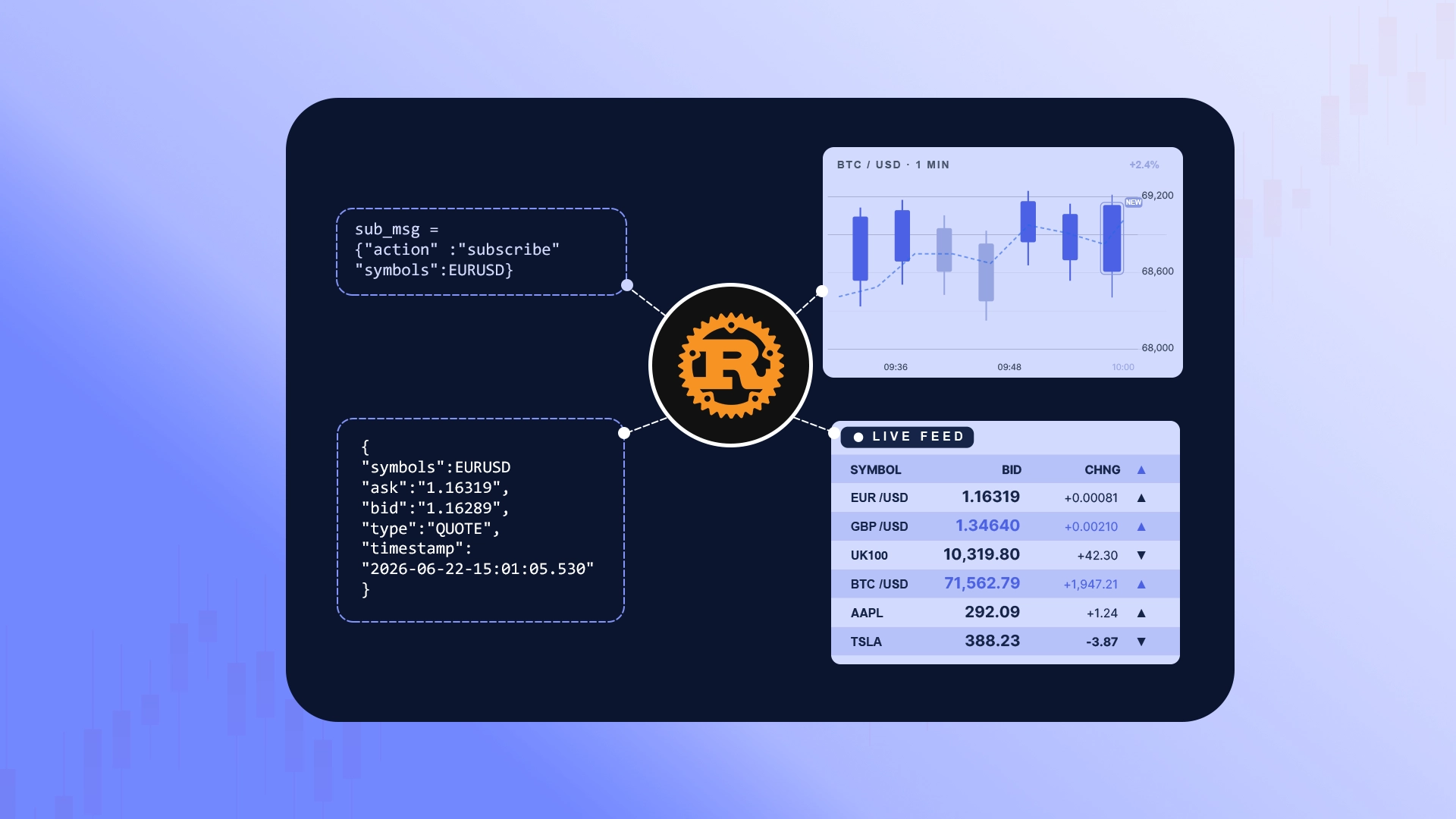
In this tutorial, we will build a Rust WebSocket client to stream real-time FX, Stock, Commodities, and Crypto prices. We will divide the client down into six structural layers:
- 1. Project Setup: Initializing the crate and adding optimized async and JSON dependencies.
- 2. Configuration & State: Storing endpoint variables, targeted symbols (e.g.,
EURUSD:QUOTE), and feature flags outside the hot path. - 3. Secure Connection: Opening the secure WebSocket connection to
wss://stream.tradermade.com/feedAdv. - 4. Control Flow & Routing: Authenticating with your API key and isolating system messages (
login_ok,sub_ack) from the pricing stream. - 5. Hot Path Data Parsing: Using static types to deserialize
QUOTEdata into typed Rust structs. - 6. Market Depth Handling: Processing optional order book ladder data cleanly without duplicate output.
Keep the TraderMade WebSocket v2 docs open while you build — they cover the full protocol parameters including subscription rejection states and deep book fields.
Project Setup
Create a new Rust project:
cargo new tm-stream
cd tm-stream
Add the dependencies:
cargo add tokio --features rt-multi-thread,macros,time,sync
cargo add tokio-tungstenite@0.21 --features rustls-tls-native-roots
cargo add futures-util
cargo add serde --features derive
cargo add serde_json
Why pin
tokio-tungsteniteto0.21? From0.24the message type changed;0.26requires an extra TLS-provider line to start. Pinning keeps this example runnable without extra boilerplate.
Add release optimisations to Cargo.toml:
[profile.release]
lto = true
codegen-units = 1
Handling Price Types
Quote messages usually send bid and ask prices as strings (e.g., "1.16270"). When market depth is enabled, some fields land as raw JSON numbers (e.g., 1.16270).
This highlights a fundamental shift from a dynamically typed language (like Python, which checks shapes at runtime) to a statically typed language (like Rust, which demands strict definitions at compile time).
To map this to one fixed type, we convert both variations into a native f64 right at the stream boundary:
fn de_f64<'de, D: serde::Deserializer<'de>>(d: D) -> Result<f64, D::Error> {
    #[derive(Deserialize)]
    #[serde(untagged)]
    enum StrOrNum {
        S(String),
        N(f64),
    }

    match StrOrNum::deserialize(d)? {
        StrOrNum::S(s) => s.parse().map_err(serde::de::Error::custom),
        StrOrNum::N(n) => Ok(n),
    }
}
#[serde(untagged)] lets Serde evaluate both shapes safely. If it's a string, we parse it into an f64; if it's already a number, we pass it right through.
Client Architecture
Keep static settings outside the hot path
const URL: &str     = "wss://stream.tradermade.com/feedAdv";
const SYMBOLS: &[&str] = &["EURUSD:QUOTE", "GBPUSD:QUOTE"];
const SEND_LADDER: bool = false;
Constants belong outside the read loop. Minimizing work inside the per-tick path simplifies code optimization under heavy market conditions.
Async is for waiting, not computation
#[tokio::main]
async fn main() -> Result<(), Box<dyn std::error::Error>> {
Tokio handles async scheduling. It lets the client wait for network events without blocking a thread. It does not alter CPU data parsing speed.
let (mut ws, _) = connect_async(URL).await?;
ws.send(Message::Text(login.to_string())).await?;
Each .await acts as a clean network pause point. The ? operator returns the error immediately if the socket fails.
Login first — subscribe only after login_ok
let mut login = serde_json::json!({
    "action": "login",
    "key":    key,
    "fmt":    "JSON"
});

if SEND_LADDER {
    login["send_ladder"] = Value::Bool(true);
}

ws.send(Message::Text(login.to_string())).await?;
Avoid sending subscription messages blindly. Always wait until the server confirms the login:
"login_ok" => {
    let sub = serde_json::json!({
        "action":    "subscribe",
        "symbols":   SYMBOLS,
        // Ask for the latest cached quote first. It arrives as LAST_QUOTE,
        // then live QUOTE messages continue as prices update.
        "send_last": true
    });
    ws.send(Message::Text(sub.to_string())).await?;
    continue;   // ← skip the tick-processing path
}
The continue bypasses the pricing logic entirely. Control data should never drop into hot price handling paths.
Handle WebSocket frame types before parsing
Match the frame variant before attempting to inspect the string contents:
let text = match frame? {
    Message::Text(t)  => t,
    Message::Ping(p)  => { ws.send(Message::Pong(p)).await?; continue; }
    Message::Close(_) => break,
    _                 => continue,
};
Servers send network Ping frames to detect idle clients. Catching and responding with a Pong ensures the link stays alive and avoids silent stream drops.
Use serde_json::Value only as a router
Instead of deserialising every frame directly into a Tick, parse each text frame into serde_json::Value first:
let Ok(v) = serde_json::from_str::<Value>(&text) else {
    eprintln!("Bad JSON: {text}");
    continue;
};
Then use a small helper to read string fields safely:
let s = |key: &str| v.get(key).and_then(Value::as_str).unwrap_or("");
Now the client can route control messages using type, and price ticks using t. Only confirmed QUOTE and LAST_QUOTE messages are parsed into the typed Tick struct.
Route control messages with match
match s("type") {
    "login_ok"     => { /* subscribe */ }
    "login_reject" => { /* stop    */ }
    "sub_ack"      => { /* log     */ }
    "error"        => { /* log     */ }
    "logout"       => { /* stop    */ }
    _              => {}
}
This isolates protocol behaviors into explicit state branches. Adding new server events means adding exactly one branch.
Guard the hot path
Isolate pure price data before moving to typed parsing:
if !matches!(s("t"), "QUOTE" | "LAST_QUOTE") {
    continue;
}
Now safely extract values into the statically typed struct:
let tick: Tick = match serde_json::from_value(v) {
    Ok(t)  => t,
    Err(e) => { eprintln!("tick parse: {e}"); continue; }
};
This design guarantees that messy external JSON remains strictly at the entry gate, keeping internal core calculation logic completely deterministic.
Make optional fields part of the model
Not every raw frame exposes metrics like dynamic order volume, mid-prices, or market depth. Rust's Option<T> forces developers to account for missing values up front:
m:      Option<f64>,
bv:     Option<String>,
av:     Option<String>,
ladder: Option<Ladder>,
The compiler guarantees you check for existence explicitly:
if let Some(m) = tick.m {
    line.push_str(&format!("  mid={m}"));
}
Market Depth Handling (Optional Add-on)
When streaming order books via SEND_LADDER = true, depth tables append directly onto the tick. Define an additional nested layout to track these arrays safely:
#[derive(Deserialize)]
struct Level(String, String);

#[derive(Deserialize)]
struct Ladder {
    #[serde(default)]
    b: Vec<Level>,

    #[serde(default)]
    a: Vec<Level>,
}
If the payload does not carry an active quotes ladder, the field defaults to None, avoiding structural processing overhead.
Message Flow
        Incoming JSON
              │
              ▼
   serde_json::Value (router)
              │
    ┌─────────┴──────────┐
    ▼                    ▼
 "type" field?        "t" field?
 (control)            (market data)
    │                    │
 ┌──┴───┐           ┌────┴─────┐
 ▼      ▼           ▼          ▼
login  error      QUOTE    LAST_QUOTE
 │      │           │          │
Sub   Stop       Typed Tick → print / process
Running the Client
Set your API key and run a release build.
Linux / macOS:
export TRADERMADE_API_KEY=your_streaming_key
cargo run --release
Windows PowerShell:
$env:TRADERMADE_API_KEY = "your_streaming_key"
cargo run --release
Expected output:
WebSocket connection opened!
Sent login
Logged in. symbol_limit=5000 cfds=true ladder=true
Sent subscribe
Subscribed: ["EURUSD:QUOTE","GBPUSD:QUOTE"]
EURUSD  bid=1.14191  ask=1.14198  mid=1.141945  ts=20260630-17:46:42.776
GBPUSD  bid=1.32549  ask=1.32559  bv=1000000  av=1000000  ts=20260630-17:46:43.760
Full Source Code
The snippets above showcase the foundational components. For a comprehensive, complete implementation featuring the full asynchronous infrastructure loop and error handling, visit the code archive.
📁 Get the full implementation: TraderMade Rust WebSocket Client on GitHub
Troubleshooting
Set the TRADERMADE_API_KEY environment variable first The program cannot detect the system key. Export it again—local terminal environment scope expires when you close your current window session.
Login rejected: unknown_key The token string is mistyped, expired, or carries an accidental newline character copied directly from your account page.
logout with reason duplicate_login The credential token is currently processing active feeds on another machine. Only one live connection is allowed per key, so close the other client before reconnecting.
The client runs but no prices appear Check the sub_ack response. If symbols appear under invalid, check the spelling and the :QUOTE suffix. If they appear under denied, check account permissions or symbol limits.
Wrapping up
You now have a working Rust WebSocket client that connects to the streaming feed, logs in with your API key, subscribes to live symbols, reads QUOTE and LAST_QUOTE ticks, and routes common responses such as subscription acknowledgements, login errors, server errors, and logout messages.
From here, you can extend the client further by adding more symbols, enabling ladder data for market depth, sending parsed ticks into a database, or passing the stream into your own trading dashboard or analytics system.
For the full message format and available actions, see the WebSocket V2 documentation. If you need any help, contact us via live chat or email us at support@tradermade.com.