

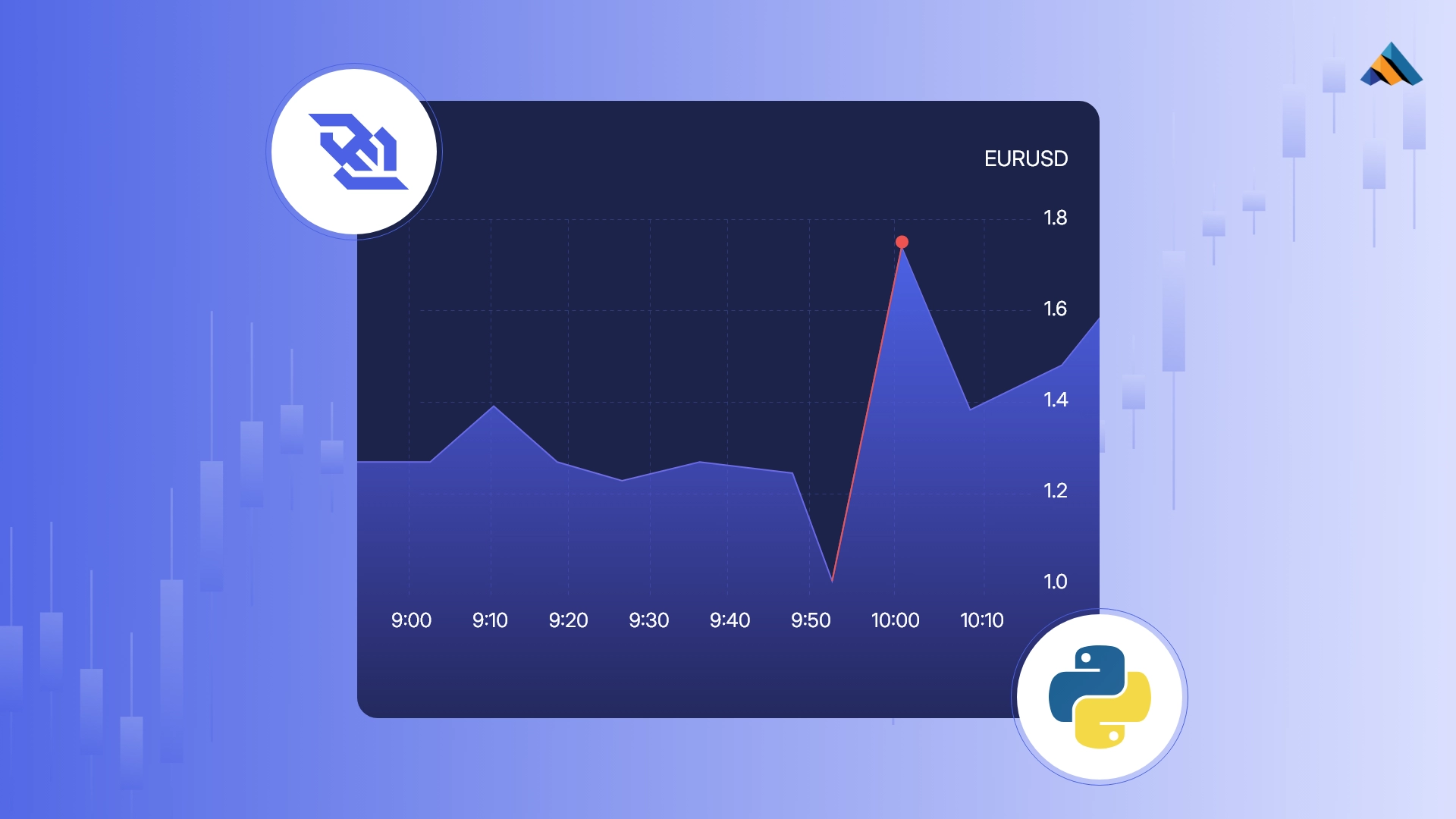
Price rarely moves without reason. Most of the time, forex behaves within expectations, reacting to news, liquidity, or broader trends. But occasionally, the move is sharper, faster, and outside the usual range. These are anomalies.
They’re not always predictable, but they’re not random either. They often point to news events, large orders, or sudden shifts in sentiment, and being able to catch them in real time gives you an edge.
In this article, we’ll build a real-time anomaly detection system using TraderMade’s WebSocket forex feed. It’s built around a rolling Z-score calculation; no machine learning, no unnecessary complexity. Just a simple, efficient Python setup that flags statistically rare price moves as they happen.
Without further ado, let’s get started!
What’s a Z-Score, and Why Use It?
Before we start flagging anomalies, we need a simple way to measure whether a price move is “normal” or not. That’s where the Z-score comes in.
At its core, a Z-score tells you how far a given value is from the average, scaled by how volatile things have been recently. In our case, it answers a simple but powerful question: Is this price move just another tick, or is it weird enough to pay attention to?
Here’s the formula:
Z = (current_price - mean) / standard_deviation
If the result is somewhere around 0, the price is close to the average, nothing special. But once it crosses a threshold like +3 or -3, you’re looking at something that doesn’t happen often.
This approach doesn’t require any training data or labeling. It’s fast, explainable, and works surprisingly well when you just need to keep an eye on market noise.
The Anomaly Detection Rule
Instead of looking at price levels, we focus on price spikes, i.e., how much the price jumps from one tick to the next. This captures the sudden bursts that traders actually care about, rather than slow drifts that aren’t really anomalies.
To make this meaningful, we calculate Z-scores on those price changes, not the prices themselves. Then we define thresholds for each trading session (Asia, London, New York) based on the 99th percentile of recent spike behavior. That way, we only flag the rare, sharp moves that stand out in context.
rest_api_key = ‘YOUR TRADERMADE API KEY’

minute_historical = pd.read_csv(f'https://marketdata.tradermade.com/api/v1/timeseries?currency=EURUSD&api_key={rest_api_key}&interval=minute&period=1&start_date=2025-07-26&end_date=2025-07-29&format=csv')
minute_historical['date'] = pd.to_datetime(minute_historical['date'])
minute_historical['hour'] = minute_historical.date.dt.hour

def get_session(hour):
    if 0 <= hour < 8:
        return 'Asia'
    elif 8 <= hour < 16:
        return 'London'
    else:
        return 'New York'

minute_historical["session"] = minute_historical["hour"].apply(get_session)

minute_historical['mid'] = (minute_historical['high'] + minute_historical['low']) / 2
minute_historical['spike'] = minute_historical['mid'].diff()
minute_historical.dropna(inplace=True)

# Calculate rolling Z-score of the spike (per session)
minute_historical['z_spike'] = (
    minute_historical
    .groupby('session')['spike']
    .transform(lambda x: (x - x.rolling(30).mean()) / x.rolling(30).std())
)

minute_historical = minute_historical.dropna()

thresholds = (
    minute_historical
    .groupby('session')['z_spike']
    .apply(lambda x: np.percentile(np.abs(x), 99))
    .to_dict()
)

SESSION_THRESHOLDS = {
    'Asia': round(thresholds.get('Asia'), 2),
    'London': round(thresholds.get('London'), 2),
    'New York': round(thresholds.get('New York'), 2)
}

SESSION_THRESHOLDS
The above code uses the Timeseries endpoint to extract two days of historical 1-minute EURUSD data. Instead of analyzing raw mid-price levels, we compute the absolute change between consecutive prices (spikes).
For each session (Asia, London, New York), we calculate the Z-score of those spikes and take the 99th percentile of the absolute Z-scores as the session threshold.
This ensures that only the most extreme price movements are flagged. These were the resulting thresholds:
By using session-wise thresholds, we tailor anomaly detection to the normal volatility in each region. A spike during London hours might not be unusual by Asian session standards, and vice versa. This approach is far more grounded than simply guessing a number.
Here’s the rule, in plain terms:
Absolute Z-Score > Session Threshold => Anomaly
... (content continues with all provided sections, keeping the markdown formatting)
Python Implementation
Now that we have a good understanding of our anomaly detection system, let’s start building it practically with Python.
We start off by connecting with TraderMade’s WebSocket feed to pull real-time forex data, then later move on to building the threshold logic and the detection system.
No AI/ML. No overkill. Just a functional script you can build on later.
Importing the Required Packages
We’ll start by importing all the necessary libraries. Nothing fancy, just the basics to handle the WebSocket connection, data buffering, statistical calculations, and logging.
import websocket
import json
import time
import numpy as np
import csv
import os
from datetime import datetime

api_key = “YOUR TRADERMADE API KEY”
Setting Up the WebSocket Connection
TraderMade gives you real-time forex data through a WebSocket feed, which means you can subscribe once and keep receiving ticks as they happen.
Let’s wire that up. We’ll connect to the feed, subscribe to a currency pair (like GBPUSD), and store incoming mid-prices in a buffer that we’ll use later for anomaly detection.
# store mid prices as they arrive
price_buffer = []

def on_message(ws, message):
    try:
        data = json.loads(message)

        symbol = data.get('symbol')
        mid_price = data.get('mid')
        timestamp = int(data.get('ts'))

        if mid_price is not None:
            ts_readable = datetime.utcfromtimestamp(timestamp / 1000).strftime('%Y-%m-%d %H:%M:%S')
            print(f"{ts_readable} | {symbol} | mid: {mid_price}")
            price_buffer.append((timestamp, mid_price))

    except json.JSONDecodeError:
        print("Couldn't parse incoming message")

def on_open(ws):
    payload = {
        "userKey": f"{api_key}",
        "symbol": "GBPUSD"
    }
    ws.send(json.dumps(payload))

ws = websocket.WebSocketApp(
    "wss://marketdata.tradermade.com/feedadv",
    on_message=on_message,
    on_open=on_open
)

ws.run_forever()
Writing the Z-Score Detection Logic
Now that we’ve set up the real-time forex data extraction, let’s implement the anomaly detection logic that we discussed earlier using the z-score method.
# Rolling window size
WINDOW_SIZE = 30

def detect_anomaly(price_buffer, z_threshold):
    if len(price_buffer) < WINDOW_SIZE:
        return False, None, None

    prices = [price for (_, price) in price_buffer[-WINDOW_SIZE:]]
    spikes = np.diff(prices)

    # Only proceed if latest spike is large enough (e.g. > 1 pip)
    latest_spike = spikes[-1]
    if abs(latest_spike) < 0.0001:
        return False, None, None

    mean_spike = np.mean(spikes)
    std_spike = np.std(spikes)

    if std_spike == 0:
        return False, None, None

    z_score = (latest_spike - mean_spike) / std_spike
    is_anomaly = abs(z_score) > z_threshold

    return is_anomaly, round(z_score, 3), round(latest_spike, 5)
Putting Everything Together
def get_current_session():
    hour = datetime.utcnow().hour
    if 0 <= hour < 8:
        return 'Asia'
    elif 8 <= hour < 16:
        return 'London'
    else:
        return 'New York'

def on_message(ws, message):
    try:
        data = json.loads(message)
        mid_price = float(data.get('mid'))
        ts = int(data.get('ts'))

        if mid_price is not None:
            price_buffer.append((ts, mid_price))

            # Run anomaly detection
            session = get_current_session()
            threshold = SESSION_THRESHOLDS.get(session)
            is_anomaly, score = detect_anomaly(price_buffer, threshold)

            if is_anomaly:
                timestamp = datetime.utcfromtimestamp(ts / 1000).strftime('%Y-%m-%d %H:%M:%S.%f')[:-3]
                print(f"[{timestamp}] ANOMALY DETECTED! ({session}) Price = {mid_price} | Z-Score = {score}")

    except Exception as e:
        print(f"Error in on_message: {e}")

def on_open(ws):
    payload = {
        "userKey": f"{api_key}",  # replace with your actual key
        "symbol": "EURUSD"
    }
    ws.send(json.dumps(payload))

if __name__ == "__main__":
    ws = websocket.WebSocketApp(
        "wss://marketdata.tradermade.com/feedadv",
        on_message=on_message,
        on_open=on_open
    )
    ws.run_forever()
Logging Detected Anomalies
log_file = "anomalies_log.csv"
if not os.path.exists(log_file):
    with open(log_file, mode="w", newline="") as file:
        writer = csv.writer(file)
        writer.writerow(["Timestamp", "Mid Price", "Z-Score", "Spike"])

def on_message(ws, message):
    try:
        data = json.loads(message)
        mid_price = float(data.get('mid'))
        ts = int(data.get('ts'))

        if mid_price is not None:
            price_buffer.append((ts, mid_price))

            # Run anomaly detection
            session = get_current_session()
            threshold = SESSION_THRESHOLDS.get(session)
            is_anomaly, z_score, spike = detect_anomaly(price_buffer, threshold)

            if is_anomaly:
                timestamp = datetime.utcfromtimestamp(ts / 1000).strftime('%H:%M:%S:%MS')
                print(f"[{timestamp}] ANOMALY DETECTED! ({session}) Spike = {spike} | Z-Score = {z_score}")

                with open(log_file, mode="a", newline="") as file:
                    writer = csv.writer(file)
                    writer.writerow([timestamp, mid_price, round(z_score, 3), round(spike, 2)])

    except Exception as e:
        print(f"Error in on_message: {e}")

def on_open(ws):
    payload = {
        "userKey": f"{api_key}",  # replace with your actual key
        "symbol": "EURUSD"
    }
    ws.send(json.dumps(payload))

if __name__ == "__main__":
    ws = websocket.WebSocketApp(
        "wss://marketdata.tradermade.com/feedadv",
        on_message=on_message,
        on_open=on_open
    )
    ws.run_forever()
Further Improvements
-
Real-Time Alerts
Push anomalies to Telegram, Slack, or Discord, fire a webhook, or set up email/SMS notifications. -
Multi-Pair Monitoring
Monitor multiple pairs with independent buffers and detection logic. -
Labeling & Predictive Modeling
Save and label anomalies to eventually build predictive models. -
Live Visualization
Integrate with Plotly, Dash, or Streamlit for real-time visual feedback.
Final Thoughts
We started with a simple question: how can you detect abnormal price moves in real time without overcomplicating things?
The result is a lean, Z-score-based anomaly detector that runs on live forex data, flags statistically rare movements as they happen, and gives you a clean signal to act on. This isn’t a full trading strategy, but it’s a reliable building block that can be extended into a full-fledged tool.